Quick answer: A SaaS access review reconciles active identities against an authoritative workforce roster and privileges, then records owner-approved decisions on unmatched accounts.
Why this problem persists
App subscriptions multiply faster than user-access reviews. Each new subscription brings its own user list, and those lists drift away from HR records unless someone compares them.
Start with the applications that hold customer data or grant administrative rights. Export their user and role lists, note the date of each export and compare them with the current employee and contractor roster. Unmatched accounts go into a queue for the application owner to explain, rather than being deleted on sight.
Worked example: The access review that finds the real problem
Illustrative scenario. A company has 220 active workers and 17 SaaS applications. HR's current roster is compared with the identity provider and each application's privileged-user export. The team finds 19 accounts without an obvious current employee match. That does not mean 19 breaches: some are contractors, service identities or different usernames. The right output is a disposition queue, not an accusation.
| Exception | Example | Disposition evidence |
|---|---|---|
| Possible orphan | Former employee's CRM user | HR departure date plus owner-approved disable record |
| Privilege drift | Marketing user retains tenant admin | Approved role baseline and downgrade ticket |
| Service identity | Integration account has no human email | System owner, purpose, rotation method and compensating controls |
| Shared login | Team uses one credentials vault entry | Named accountable owner and remediation decision |
Calculate coverage honestly: Reviewed in-scope identities / total in-scope identities. Report unmatched and excluded records separately. Prioritize privileged and externally accessible applications. A spreadsheet showing 'reviewed' is not evidence of remediation: retain approval dates, unresolved exceptions and ticket references. Do not revoke access directly during an evidence-only assessment unless the owner authorizes a separate change.
A practical five-step method
1. List business applications, their owners and identity providers
Create an application register with business criticality, provisioning method, identity provider, owner, contractor use, privileged roles and last reviewed date.
2. Obtain approved read-only account exports with last-login and privilege fields where available
Obtain tenant-level user and role exports in an approved manner. Include snapshot time, pagination coverage, inactive status and any fields the tool does not provide.
3. Compare users against the authoritative employee and contractor roster
Normalize employee identifiers cautiously and compare with HR and contractor sponsors. Queue unmatched records for verification instead of deleting them immediately.
4. Flag dormant users, shared accounts, elevated permissions and missing owners
Segregate local, federated, service and emergency identities. Assign elevated-access exceptions to the proper application owner with a due date and evidence request.
5. Assign remediation decisions to application owners and retain evidence of review
Retain who approved each disposition, the ticket or change record, any accepted risk, and a spot-check that remediation was applied.
What “done” should look like
For this problem, aim for an application inventory, exceptions log and owner action list. It should show provenance, version, owner and outstanding exceptions. The sponsor needs to see what was decided, what was not decided and which actions remain. State the population, sampling method and limitations of any review. A scoped example is not a full assurance engagement.
A quick acceptance test
Ask someone outside the delivery team to locate the latest artifact, identify its accountable owner, explain the top unresolved issue and determine the next authorized action. If any answer depends on someone’s memory, the handoff is incomplete.
Common mistake to avoid
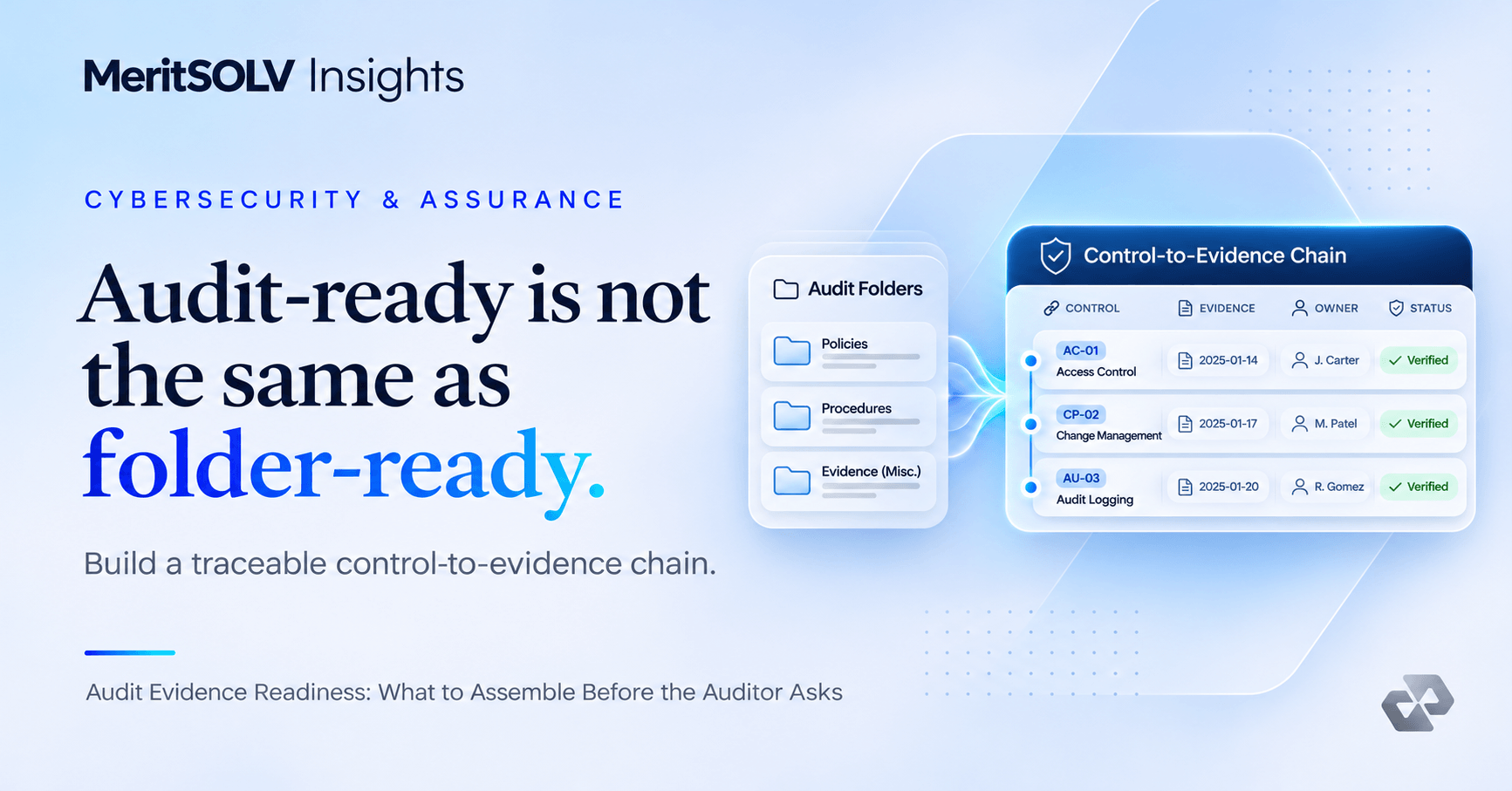
Mistaking a spreadsheet export for proof that an application owner reviewed access. The remedy is not more paperwork for its own sake. Use the smallest set of artifacts that demonstrates scope, evidence, review and the next decision. Automate only after the underlying responsibilities and exceptions are clear.
Copy-ready working checklist
- List business applications, their owners and identity providers.
- Obtain approved read-only account exports with last-login and privilege fields where available.
- Compare users against the authoritative employee and contractor roster.
- Flag dormant users, shared accounts, elevated permissions and missing owners.
- Assign remediation decisions to application owners and retain evidence of review.
- Confirm who approves the final output and how corrections will be handled.
- Archive the approved version and record the next review or follow-up date.
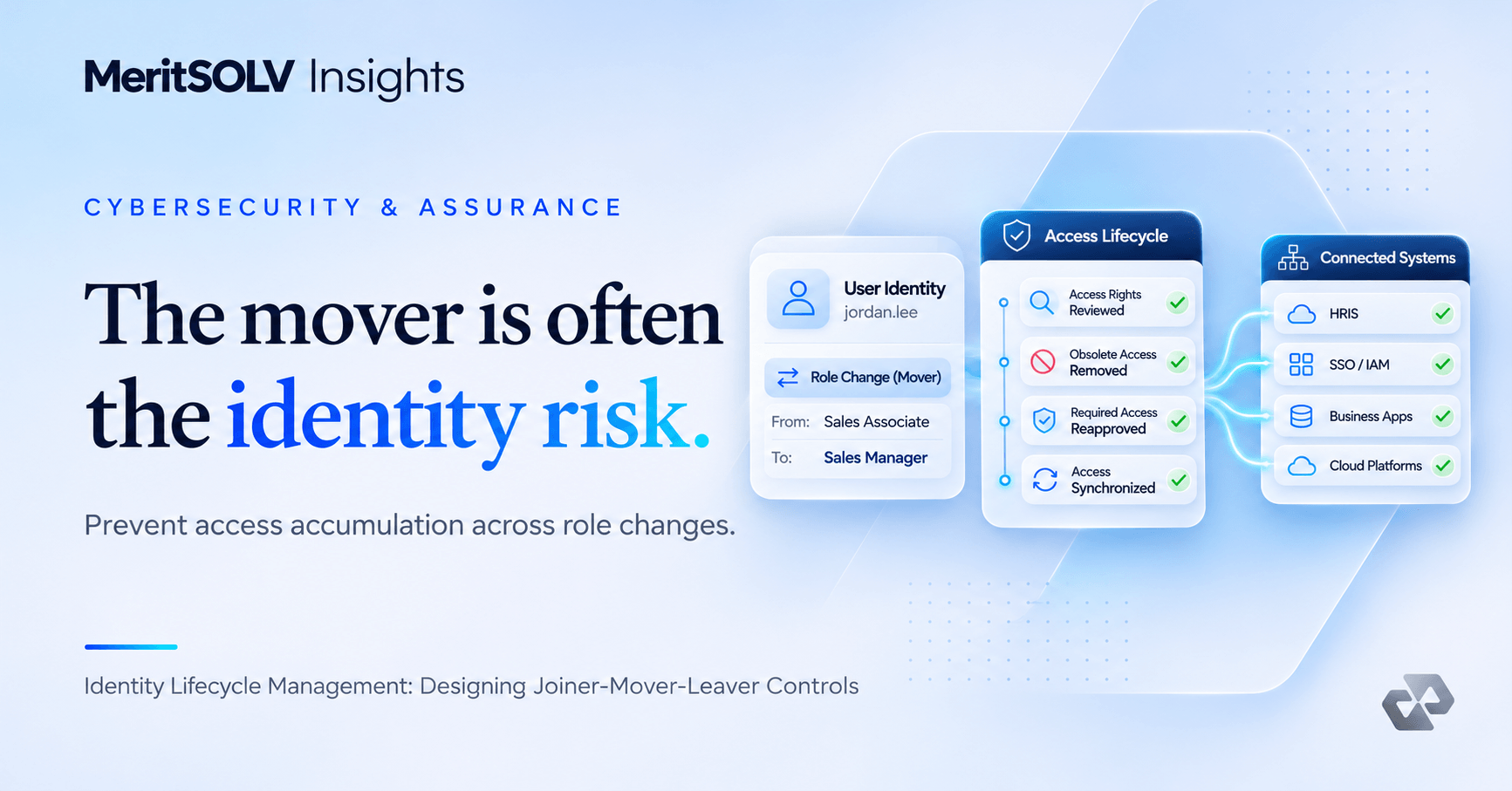
Recurring mismatches usually point back to weak joiner, mover and leaver controls, so fix the trigger as well as the account.
How this connects to MeritSOLV
MeritSOLV currently lists the linked package as available for a scoped proposal, subject to triage and approval.
MeritSOLV’s SaaS Access Review Packet provides a useful next reference for teams that want a defined output rather than an unbounded consulting engagement. Its model emphasizes a written scope, a named delivery lead, independent review and documented acceptance. The decision about what to implement, approve or accept remains with the customer.
For the broader set of options, review the MeritSOLV solution catalog and how the process works. Use a small, well-defined first engagement to validate whether the operating model fits your needs.
Frequently asked questions
How often should SaaS access be reviewed?
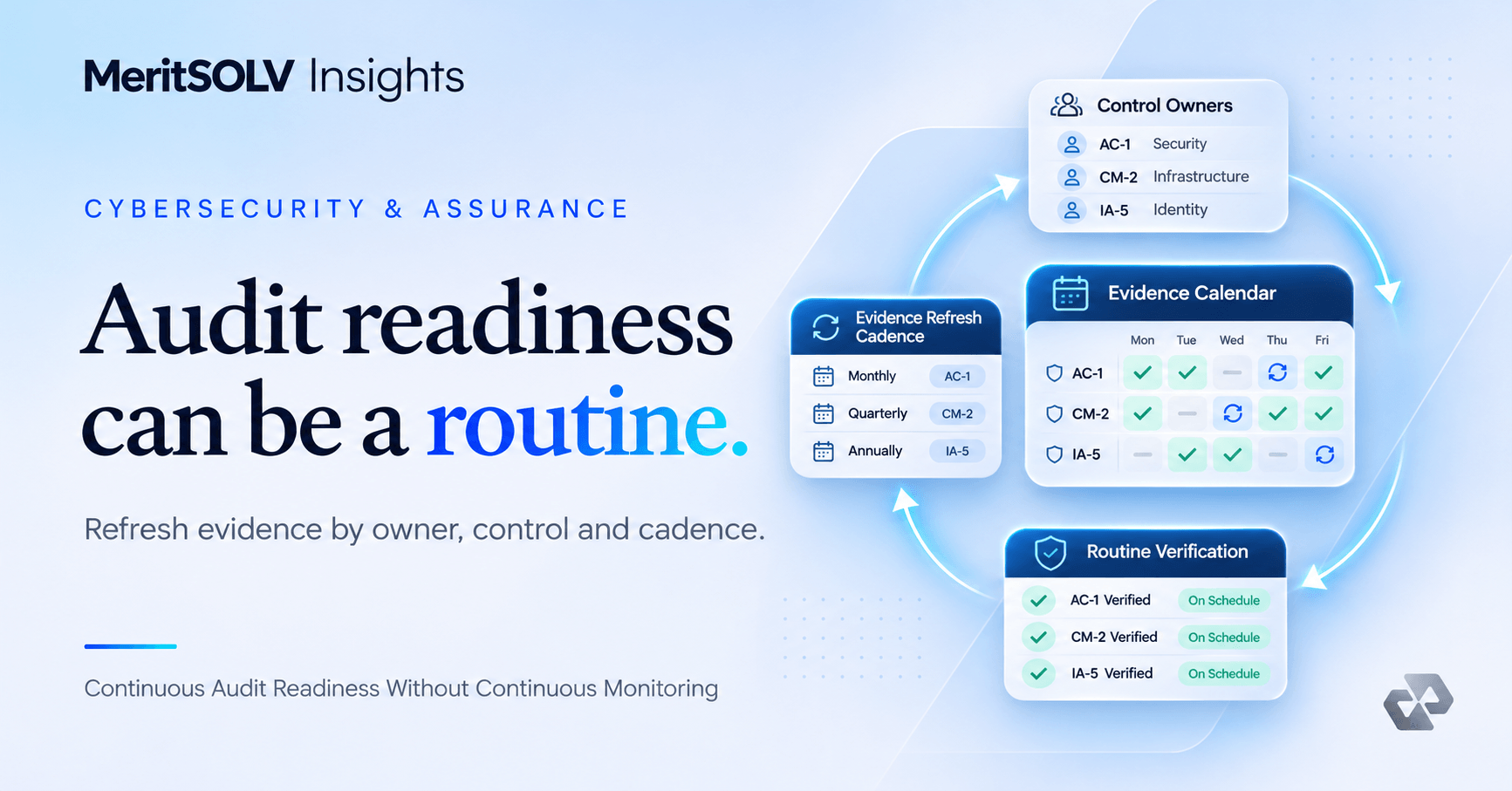
Use risk-based intervals aligned to your policy, with more frequent review of privileged and sensitive applications.
Does a review require live account changes?
No. Evidence collection and recommendations can be separated from customer-authorized provisioning decisions.
Standards and further reading
- NIST SP 800-53 Rev. 5: access control and account management
- CISA Secure Cloud Business Applications (SCuBA) Project
Next step
Choose one real example, complete the checklist, and identify the evidence that would make a decision easier this week. Only after that should you decide whether an internal owner or a scoped external engagement is the right path.
These examples are illustrative, not reports of MeritSOLV™ client engagements. This guide is general operational information, not legal, audit, or certification advice. Review the cited standards and apply your organization's requirements.